.png)
Digital Access & Home Based Learning
Find resources and support for Home-Based Learning, including device access, toolkits, and SLS helpdesk contacts for students and parents.
Digital Access at Home
For those without devices or Wi-Fi connection at home, we recommend applying for DigitalAccess@home (https://go.gov.sg/digitalaccessinfo (opens in new tab)) to explore subsidised equipment procurement. Parents may apply using their SingPass credentials.
Devices in the Learning Sphere
Students may use the devices in the Learning Sphere for learning during their break times. Chromebooks are also available at the library for students to access after school hours. Students must present a letter from their parent or guardian to the librarian, granting permission for the child to remain in the library for online homework purposes.
Home-Based Learning
DZPS HBL website (opens in new tab)
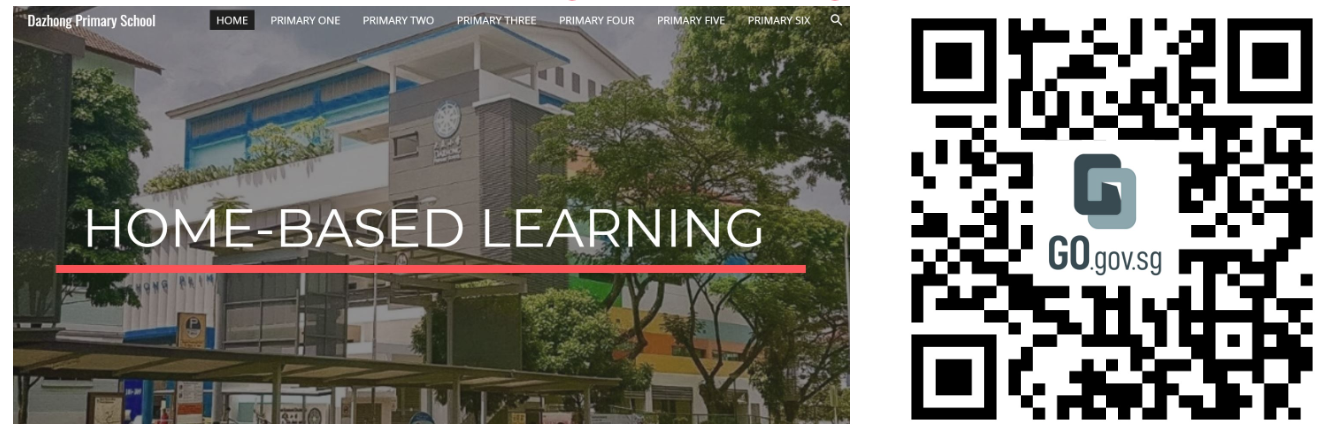
For more information on Home-Based Learning Schedule, please click on the link above or scan the QR code.
Home-Based Learning Toolkit
MOE HBL Resource Kit [PDF, 1.60 MB] (opens in new tab)
Online Guide to Microsoft Teams
MS Teams Student Guide [PDF, 1.13 MB] (opens in new tab)
SLS User Guide
Guide to SLS Account Management and FAQs [PDF, 792.72 KB] (opens in new tab)
SLS Support for Home-based Learning School Operating Hours
During school operating hours, students should contact the School-based Helpline for SLS queries including all SLS access matters such as password reset and unlocking of accounts, as well as queries about lesson assignments.
School-based Helpline: 6565 8002
You can also fill up the form: School-Based Helpline Form (opens in new tab)
Mondays - Fridays: 8.00am- 4:00pm
For other matters, students can email the SLS helpdesk at helpdesk@sls.ufinity.com. When emailing the SLS Helpdesk, they should include their full name, name of school and class.
Non-School Operating Hours
Students can only contact the SLS Helpdesk outside the school operating hours.
SLS Helpdesk: 6702 6513
Mondays - Fridays: 4:00pm - 9:00pm
Saturdays: 9:00am - 9:00pm
*Closed on Sundays & Public Holidays
Alternatively, students can email the SLS helpdesk at helpdesk@sls.ufinity.com. When emailing the SLS Helpdesk, they should include their full name, name of school and class.